
by djnarrative | 16 Jan, 2014 | Reckorder Tutorials
Another useful post from resound, this time sharing 9 tips for working with compression. Thats a picture of his cat...
by djnarrative | 21 Apr, 2013 | Reckorder Tutorials
Compression does confuse a lot of us when we first start, so although its already mentioned in a previous post or 2, here is a nice simple explanation of compression from music software training...
by djnarrative | 30 Mar, 2011 | Reckorder Tutorials
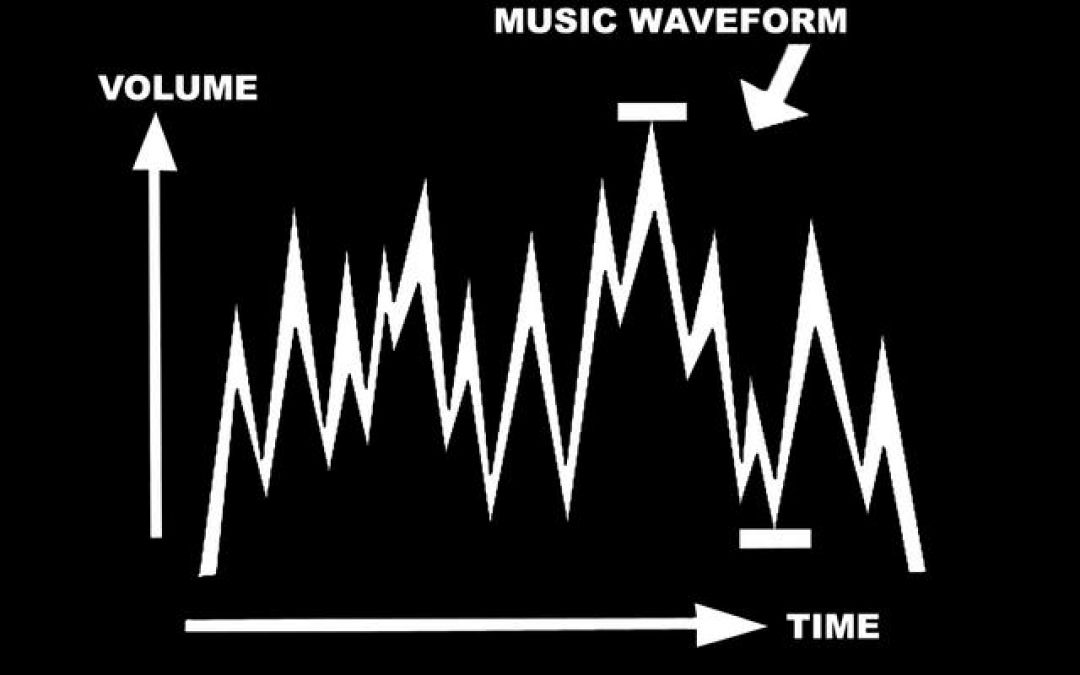
Compression was a real mystery to me. Robin used to tell me of its importance but i could never get my head fully round it enough to use it in the early days. With that in mind i'll do my best to pass on what i think it does. Compression basically gets your audio file and squashes it down. Then it raises the volume of the whole audio file back up again. This 1) obviously makes everything louder, and 2) raises the volume of the quieter parts. This can be done on sound, e.g to give a snare more weight and punch, a drum loop (to bring all the elements and sounds together and phatten it up), or a whole track to give everything more punch, cohesiveness, clarity and volume. If that made sense then we're halfway there, and to be fair i think thats far enough if compression is brand new to you. People used to say you just have to try it when i didnt understand it, which is right, but if you dont know what all them controls do, then trying it doesnt have any reference point. Basically there are 3 controls that are in every compressor that you need to use. Threshold, ratio and make up gain.Threshold is at what volume level the compressor will start to work. The ratio is how much compression it will apply, and the make up gain is the turning up of the volume after compression. In practice i found that you make a cool snare, but it doesnt punch like ones you hear on a record. Then you drop...
