by djnarrative | 15 Dec, 2014 | Reckorder Tutorials
I havent checked out these tutorials but there are some big names and they are most reasonably priced so here are a bunch of tutorials from Digital...
by djnarrative | 6 Nov, 2014 | Reckorder Tutorials
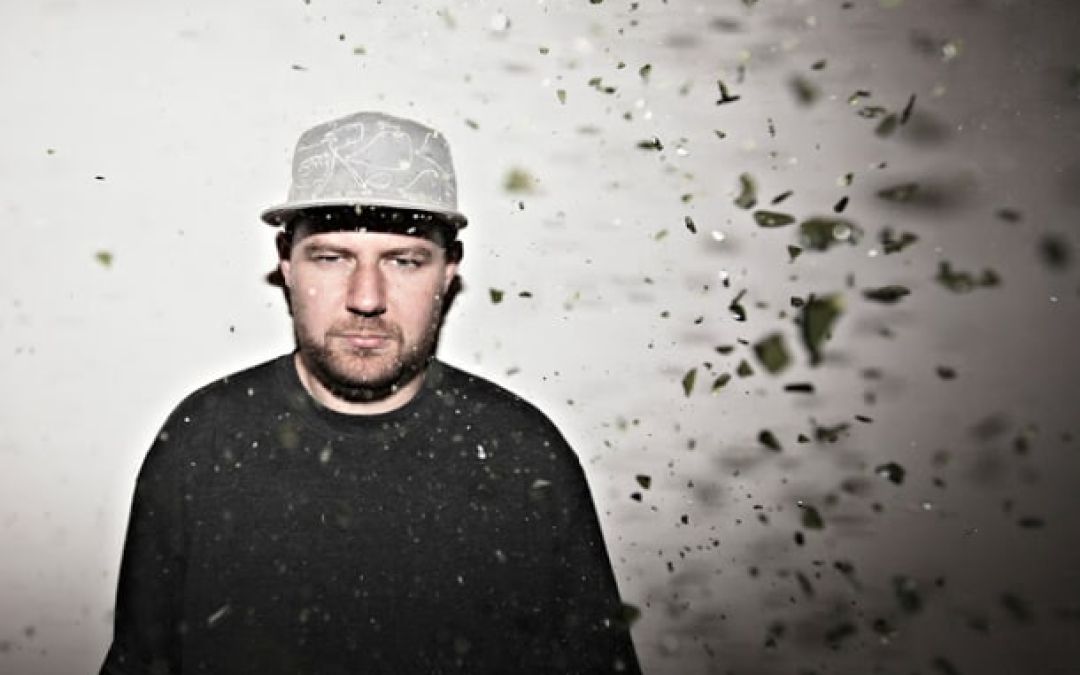
Here's a couple of video tutorials from Reso who breaks down one his tracks and shows us how he approaches cutting up...
by djnarrative | 8 Nov, 2013 | Reckorder Tutorials
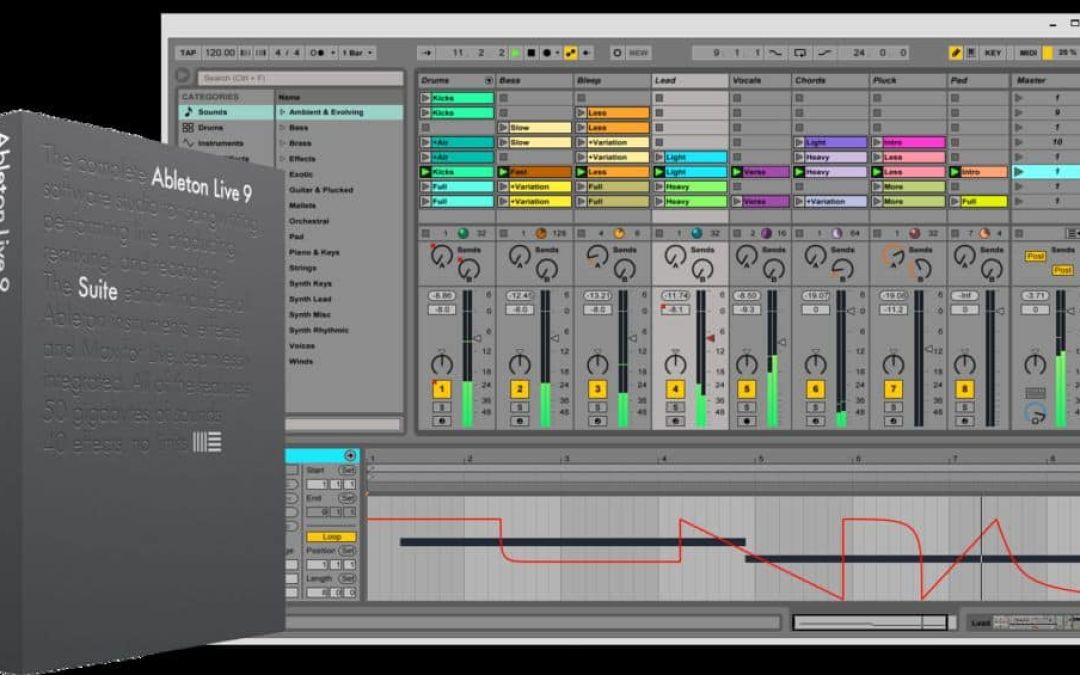
Joined a local producers group recently and one of the posts was to a really useful site from a guy from Finland called Resound. Here is a post from his site where he bookmarks 9 useful Ableton...
by djnarrative | 19 Oct, 2013 | Reckorder Tutorials
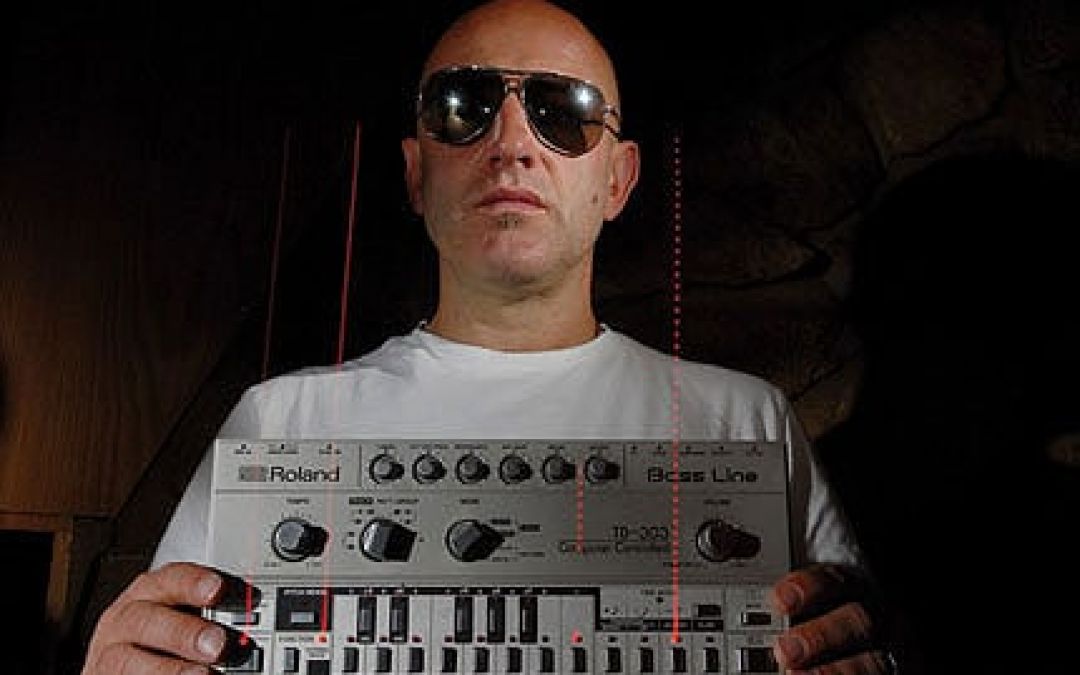
Breakbeat legend Rennie Pilgrem shares some of his studio tips and tricks in this computer music magazine...
by djnarrative | 2 Oct, 2013 | Reckorder Tutorials
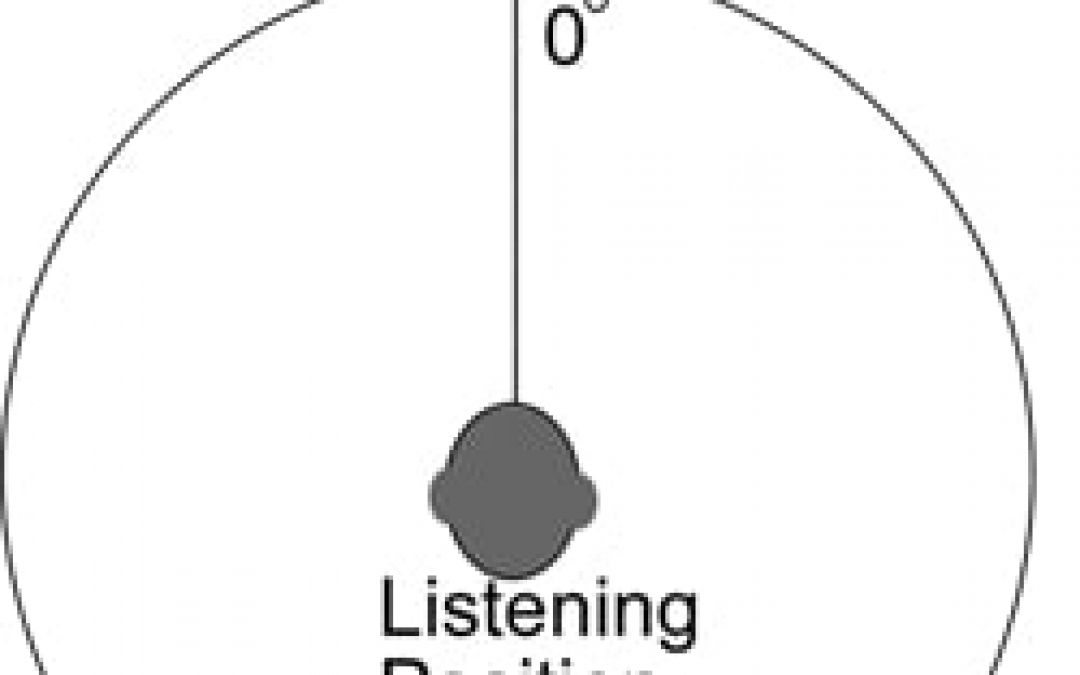
A month or so ago i was asked to submit my reckorder project remix of Superstition for a free compilation. I felt the track needed more work so added in various parts panning them in the mixdown. When i came to master it i realised that playing back in mono would lose some of the parts and thus remembered the golden rule of mixing in mono. Im still a little unclear about this, but simply put from what i understand, most soundsystems are mono, and some radio stations revert to mono at times, so basically your mix needs to work in mono if you want to play it on soundsystems or on radio. This post from music software training offers some really good insight into the subject, as does this article from sound on sound, but i still wondering why its not that you have to mix in mono, especially if you're producing electronic dance music for the reason i found. I'll update the post as i find out more, (or please feel free to enlighten me. 🙂...
by djnarrative | 23 Aug, 2013 | Reckorder Tutorials
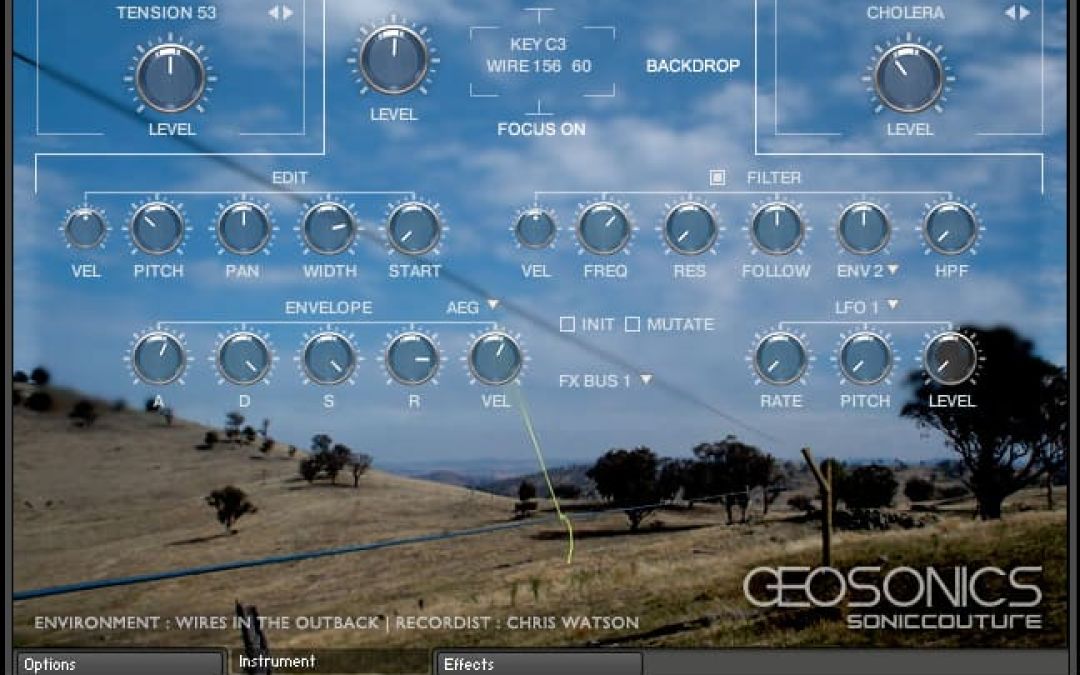
Soniccouture are well renowned for their meticulous sampling of sought after and unusual instruments, and this time is no exception. Drafting in one of the leading field recordist Chris Watson, and working with some top sound designers to bring a really unique and highly creative instrument called Geosonics I've just finished a project and they're offering it with a really good discount at the mo, so i was able to afford it up when it came out, and have been really impressed on first few delves. UPDATE : I was going to write a review, but i've just seen this review by Ask Audio Magazine which gives a great overview of the instrument. There are also some really interesting interviews with Chris Watson & a few of tutorials from Soniccouture which i'll post below. Chris Watson...

by djnarrative | 21 May, 2013 | Reckorder Tutorials
Another insightful post from the excellent Radio To Go Blog - This time it's about getting your music on the air, with input from some very talented birmingham musicians and producers. Read the post here Update : Robin's now added another post since which gives a step by step guide to getting...
by djnarrative | 30 Apr, 2013 | Reckorder Tutorials
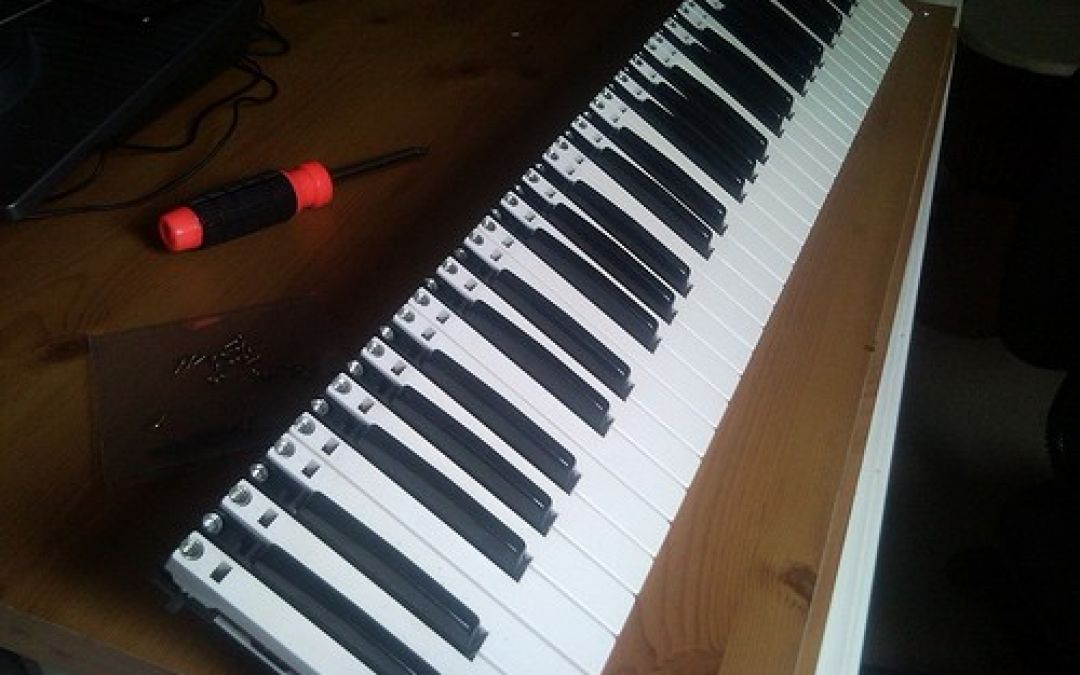
A few years ago i decided to take apart my trusty cme keyboard to clean the contacts. Id never done anything like it before and it went pretty well all things considering. As theres next to no support online for cme users my pictures on flickr got picked up by someone who was trying to repair his. Recently i heard back from him, and he'd made a video showing how he did it, with some useful links, so i thought id post them below for anyone else who may run into the same thing. Theres more info in the comments on this video pages...
by djnarrative | 27 Feb, 2013 | Reckorder Tutorials
Ive seen a few really useful tutorials from this guy, and recently visited his site music software training. When you sign up to the mailing list you get 22 free ableton tutorials and regular useful tips and tutorials about electronic music production. There's a wealth of stuff in there, both paid and free, plus this aforementioned list of 100 free...
by djnarrative | 9 Jan, 2013 | Reckorder Tutorials, The Reckorder Project
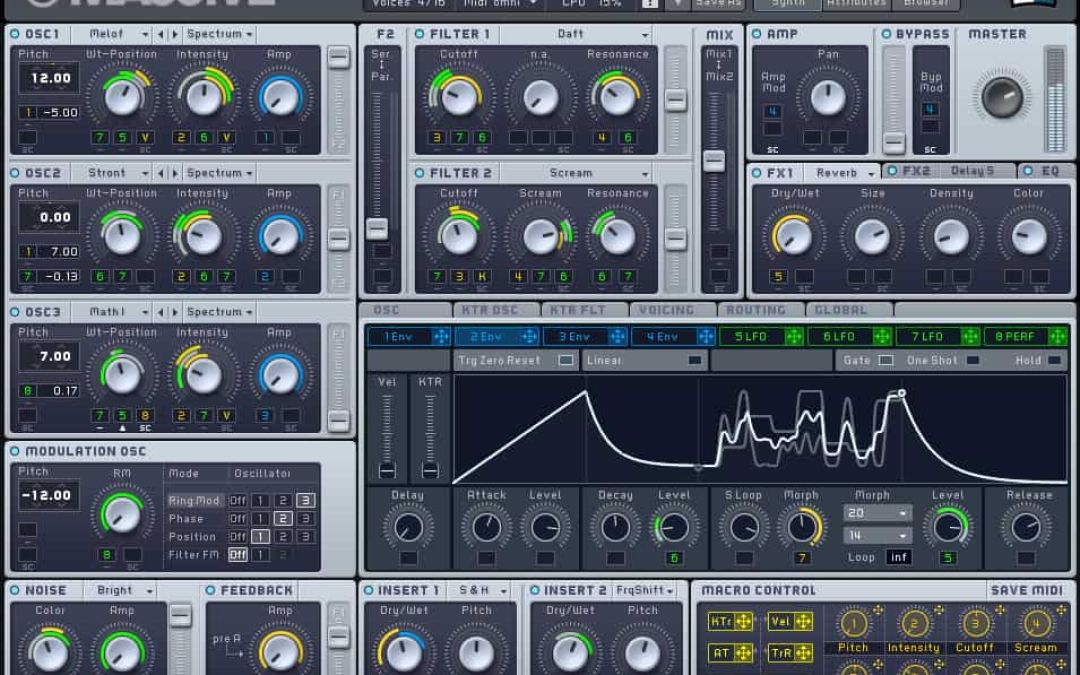
One of the first courses i picked was Massive. I recently bought it under the NI 50% off offer, and while there is a great free course online, it was really cheap and i figured would be pretty comprehensive. It was pretty good and well worth the 7 quid or so, but not as comprehensive as the other one id bought. Nevertheless it gave me a great overview of massive and also synthesis in general. Here are my notes that i made. Overview It's Flexibility is what sets it apart 3 Oscillators which can be anything : Virtual Analogue, Wavetables, Analogue/Electric, Digital/Hybrid, FX/Chords. Modulation Oscillators, Noise Generator & Feedback Generator 2 Multi mode filters Amp Master section Browser & Preset Library. Huge amount of Modulation possibility. 4 envelopes, 3 Lfos, 2 filters, complex voicing & routing options, and 4 effects units. Can create any type of sound - Bass, Pads, Effects & Leads Oscillators Oscillators 1 -3 - Select 3 different wavetables to produce the sound, Pitch use the arrows to change List of Waveforms that oscillators can create - Controls change dependant on what you pick in the waveforms menu. Virtual Analogue - Pulse Saw with Modulation or Pulse Saw With Sync Rest are Wavetable menus =- tables of different waves. - Wave table position can sweep through different sounds. Modulation Oscillator enables you to modulate the oscillators and further shape the sound. You can add ring modulation, phase, wavetable position and filter fm. Pitch makes a big difference to the sound of these and maybe one to automate. Filter needs to be on to hear the filter...
by djnarrative | 4 Dec, 2012 | Reckorder Tutorials
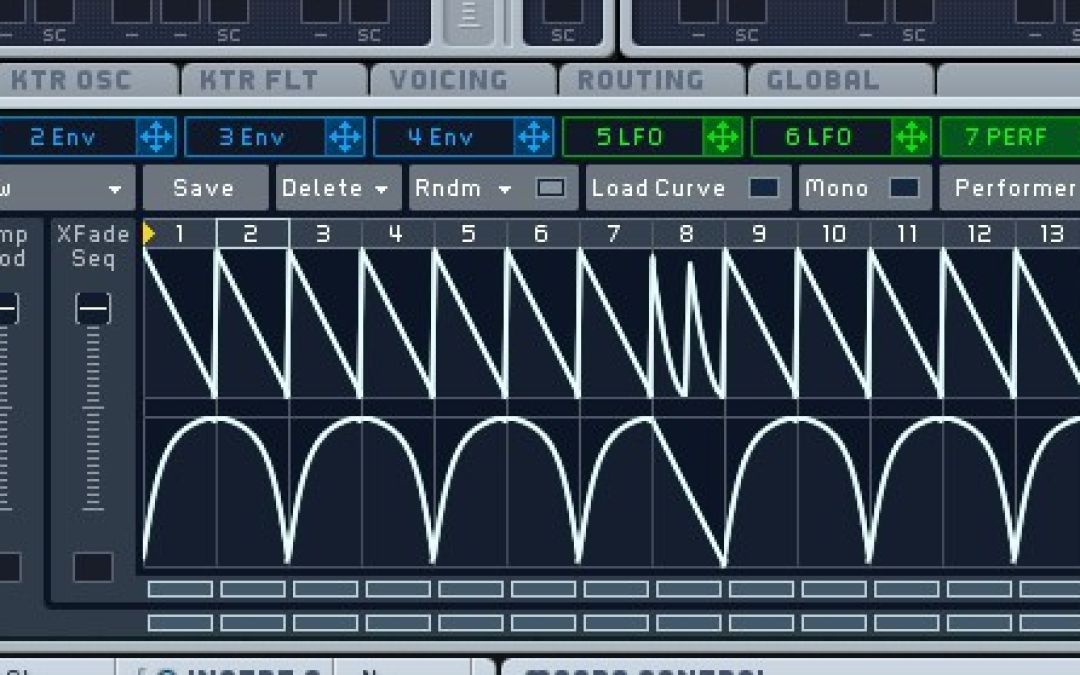
Here's a cool massive tutorial site which offers free tutorials on how to make sounds in massive for anyone learning the synth. This one is how to make a glitchy sequenced bass which doubles as a useful intro to massive's highly useful built in step sequencer. You can hear the sound at the start of the vid, with a better result at the end. Good site one for anyone learning...
by djnarrative | 16 Oct, 2012 | Reckorder Tutorials
Omnisphere and Massive are two of my favourite synths both offering a pretty much unlimited pallete of depth and sonic exploration. With such depth comes a relative learning curve, so Producer Tech have created 3 online courses and sent alone 3 taster videos and a discount code for any interested readers. I wasn't sent the course itself so i can't vouch or recommend in the way i would normally when featuring anything on the site, but i have seen tutorials from Rob Jones who presents the ominsphere and massive courses, and he was excellent at making some fairly complex new material easy to digest. Those tutorials were on the novation youtube channel the midi controllers and they helped me a great deal with a clear straightforward delivery, and from checking the intro video these seem the same. This is really more of news post for anyone who might be interested in the courses, mainly because I learnt a great deal from spectrasonic's own comprehensive set of video tutorials when i first bought the synth and from an equally amazing set of massive tutorials which i found on youtube (which i'll post seperatly when i find it again as just remembered them o/) That said i imagine that someone of Rob's background and experience must have been well aware of the existing tutorials and may therfore be addressing areas which aren't covered, so have a look at the 2 intro videos below and see what you think. There is are three seperate 3 hour courses (one each for Omnisphere, Massive, and Sylenth) via this page on their site and all readers can...

by djnarrative | 2 Nov, 2011 | Reckorder Tutorials
Here would appear to be loads of ableton video tutorials o/ They all seem to be from http://en.440tv.com/ and i assume that they've been very useful as they are all bookmarked so here are some of them 🙂 A video on an Audio clip's properties - http://en.440tv.com/video.php/v/1260/Ableton-Tutorial-Audio-Clips This video shows you how to use Ableton Live's clips as chord banks and trigger them with one key. It also touches on the following features: Follow Action Launch Modes Midi Mapping & Routing Pitch (midi plugin) - http://en.440tv.com/video.php/v/3060/Chord-Triggering-in-Ableton-Live In this Tech Tip we take a look at the features of both the Scale and Chord MIDI effects. Utilising both of these tools you can generate your very own chords and basslines that are guaranteed to stay in key and sound great! Fantastic for generating inspiration in your tunes. http://en.440tv.com/video.php/v/3412/Ableton-Tutorial-Chord-Scale In this tech tip we show you how to extract a groove from an audio file and apply it to a MIDI clip and a drum loop, all in Ableton Live 8 - http://en.440tv.com/video.php/v/3008/Extract-Groove-In-Ableton-Live-8 This tutorial on the Limiter shows you how to limit your sounds - http://en.440tv.com/video.php/v/3032/Limiter-Limiting-Tutorial Danny Byrd (Hospital Records) talks about using Ozone to get loud, club-ready mixes. Music: "Gold Rush" by Danny Byrd ft. Brookes Brothers - http://en.440tv.com/video.php/v/2902/Danny-Byrd-Limiting-and-Mastering-tips-with-Ozone In this example I take an amen break and glitch the shitballs out of it - http://en.440tv.com/video.php/v/3024/Glitch-up-a-drum-loop-in-Ableton-Live ---------------------------------------------------------- While were on the subject of ableton video tutorials here are few useful tips from the - http://thedjpodcast.com/ 1. Keyboard shortcuts can help cut down the time it takes to perform actions in software applications. In this video tutorial I’ll show you some keyboard...
by djnarrative | 15 Jun, 2011 | Reckorder Tutorials
Mastering should generally be left to the professionals with it being an art untoitself however there are many things one can learn and develop in order to develop the final art of the production process and here are a few links i seem to have gathered along the way which may help shed some light http://www.waves.com/objects/pdf/general/Update-and-Errata-web.pdf http://www.gearslutz.com/board/mastering-forum/58252-mastering-cubase-sx.html http://www.tweakheadz.com/plugins_for_audio.html Plus here is a great video series from Dubspot on my favourite mastering and producing plugin - Ozone I have a few friends that are highly talented mastering engineers so i wouldn't say these can get similar results but maybe they can help push things forward and please do post your own findings in the...
by djnarrative | 3 Jun, 2011 | Reckorder Tutorials
Recently I've spent weeks going through each of my samples in order to create a database that i could really use. For too long my ever growing sample library was becoming increasngly more of a hindrance to the workflow having to listen to too many samples and found i tended to go to the same sounds for e.g kicks, as there was so many to look through, despite being in their in their own "Kicks" folder) On retrospect i think the reason was the time it would take to listen to them all and because i was still building the library and didn't know how the sounds compared with each other. Now though, having 200 high quality kick drums as opposed to 3000 kick drums is a big step forward for my workflow and made a massive difference to my music making (and workshops) so i thought i'd share my own method and couple of tools that can help organise large sample libraries. The first thing is that i have always used is to create a folder structure and then browse within the DAW. The structure has gone through many revisions but the current one is working really nicely and well worth the time investment. I think its the one i'll be sticking with and while its based around my own sample collection it may provide a solid starting point for anyone looking to create their own. So after much time and consideration my folder structure looks something like this. Bass / Loops folder - Samples folder Drum Hits / Broken down into different percussion folders Drum Loops / Broken down into...
by djnarrative | 1 May, 2011 | Reckorder Tutorials
Performing as a live act is something i've only done for the first time recently, so this post will evolve as i learn more. Til then heres a few things that i've bookmarked which give a few different insights. How tom cosm & pitch black use ableton Live On Stage (And tom's first post with links to his overview of performing with ableton live - http://forum.ableton.com/viewtopic.php?t=55935) Some tips from Michael Weeks - http://www.musicplayers.com/tutorials/keyboard/2006/0306_michaelweeks.php And some touring advice from Chris...
by djnarrative | 8 Dec, 2010 | Reckorder Tutorials
This is something that i really should have started way earlier. In all sequencers you can setup a template set, so that when you load a new song, you have all the tools you need to start. This took me a while to do i think because i was still working out my process, what i needed, how things were best routed, etc, but now i've done it it really makes a big difference. Instead of loading Ableton and setting these things up each time I did it once then opened the Live Preferences and under the File Folder tab clicked “Save Current Set as Template”. Now each time I launch Live I am ready to go with the things I like pre-set. My current template is quite big as it has all the instruments and inputs i might use in a track, but I find it much quicker to delete channels than set them up, so i'd suggest listing all the elements you currently use in a track and creating a channel for each. Though try and just keep to the ones you use often, as having too much as it can strain your processor. Obviously templates are based on what you use in your studio, but to give you a idea here is a version of mine. Channel 1 : Drum Rack - With set of sounds ready to make beats with already mapped to the pads. Each of the drum rack channels has spectrum analyser and eq and are grouped (kicks, snares, etc). The groups each have eq and compressor, and spectral analyser so you...
by djnarrative | 5 Nov, 2010 | Reckorder Tutorials
Once you've got a killer track how do you get it heard. The game is constantly changing in the social media world and i'm going to write a specific post on the topic, but i just wanted to share this email that i recently received from a local up and coming singer. She's just had a track remixed by a local dubstep producer and got in touch to ask if i had any advice on how to get some gigs. Im no expert but i offered a few ideas she may not have tried and thought it might be worth sharing on here. ------------ I just wondered if you could give me some advice on where to start really please. My dubstep remix is nearly finished and my aim is to see if any djs will play it in the local clubs and if I can get any performances. Do you know any links to djs promoters etc?------- Hey Sarah If you want it played by djs then id say a good place to start to find all the dubstep events and radio shows in brum. Scour the flyers, search on facebook and google for any contact nights and contact info you can find. Then get in touch with the djs, send them a copy and see if they'd be interested in dropping it at a gig or on their show. On rhubarb radio obviously boogie and ross have a purely dubstep show, and you could also try skeleton and dolhasz who do the beat suite as they play dubstep, and also possibly brumcast as he only plays brum...
by djnarrative | 5 Nov, 2010 | Reckorder Tutorials
Sidechaining was something that used to confuse me but then i saw an early video by Tom Cosm who simplified the process nicely. Basically sidechaining is using one audio source to trigger a compressor on another audio source or in more simple terms, it is normally used for making room for the kick to punch through as the kick and the bass occupy similar frequencies. This can be done by manually drawing in volume changes so each time the kick hits the bass is lowered, or more easily this can be done using a compressor with a side chain function. Abletons compressor has a side chain built in or if you use another sequencer here's a nice free one. He's since posted a more specific video which evolves the process further so to keep things nice and simple here it is. An earlier video i had bookmarked is here http://www.youtube.com/watch?v=1Tv7gAi2OKY and when using cubase Sx i had this youtube video bookmarked which have been useful in the past. http://www.youtube.com/watch?v=oHfN9yeuoew&feature=related Hope thats useful and any comments or tips please let us know in the comments below...
by djnarrative | 10 Oct, 2010 | Reckorder Tutorials
I've not delved into the world of Max for live as i dont have a copy but it is on the list as it seems to really open up the modular nature of ableton. It also seems quite complex so i thought id drop a few links to some help that i've perused and seem to have bookmarked 🙂 Theres some pretty useful stuff from the main ableton page and cycling 74. One from Dj Tech Tools - and probably the most useful being a dedicated max for live tutorial youtube channel. Not much of a post but a few links for anyone wanting to find out some more about...
