by djnarrative | 27 Feb, 2014 | Reckorder Tutorials
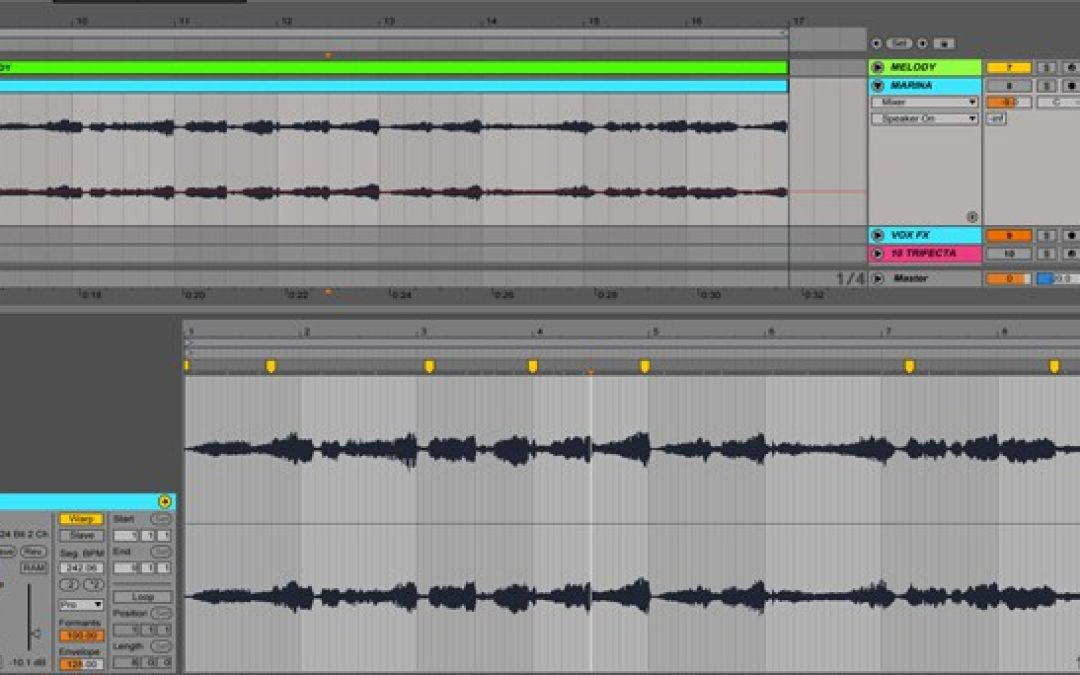
I did a load of editing on a piece of audio recently and wanted a quick way of creating separate audio files of each section without having to do each one in turn and found this cool tip from Pepezabala on the Ableton forum, who shared - Drag all your clips from arrange to session view, select all, then hit tab, drop them on an audio channel, right click and select freeze. The resulting audio files will then be found in the project folder/samples/processed. Simple really!...
