
by djnarrative | 30 Nov, 2014 | Reckorder Tutorials
Soo many black friday deals going around today - Here's a few of them in no particular order and for no particular reason. 20% off K-Devices Herse & Autobeat - http://k-devices.com/2014/11/promo-time-at-ableton-and-updated-k-devices-packs/ 40% off bass gorilla passes - http://bassgorilla.com/all-areas-backstage-pass/ 50% off Native Instruments Instruments - http://www.native-instruments.com/en/products/product-finder/?utm_medium=email&utm_campaign=Thanksgiving%202014%20Reminder&utm_source=newsletter 75% off Sample Surgeons sample libraries...
by djnarrative | 14 Oct, 2014 | Reckorder Tutorials
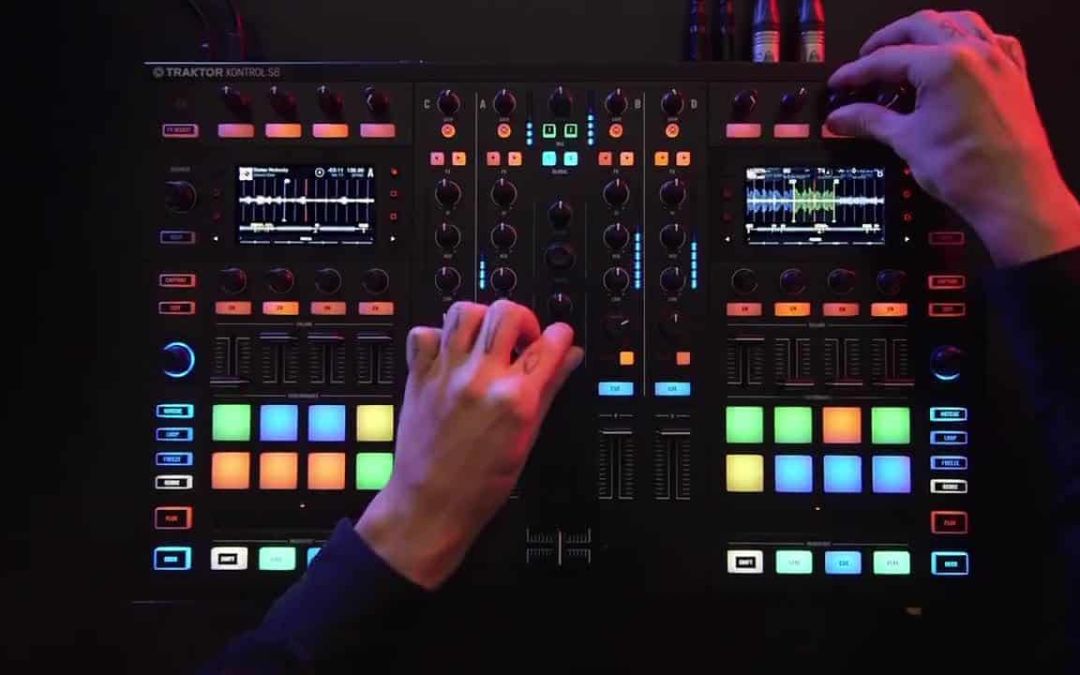
I was super excited when the s4 came out a few years ago as it meant i could achieve some of the things for my Dj Narrative project, once id put an innofader in it, and used various midi mappings. There are various issues i have with it like the level meters, which are all addressed in this new s8 monster but i dont think its portable enough for my needs, plus id lose the mappings and my bank balance wouldn't allow it anytime soon. That said it does look really nice and i can see a lot of potential with it creatively, so here are a couple of videos (updated) and reviews. S8 Review from Ask Audio & S8 Review from Dj Tech Tools and a few videos from Dj Tech Tools they have posted...
by djnarrative | 19 Dec, 2013 | Reckorder Tutorials
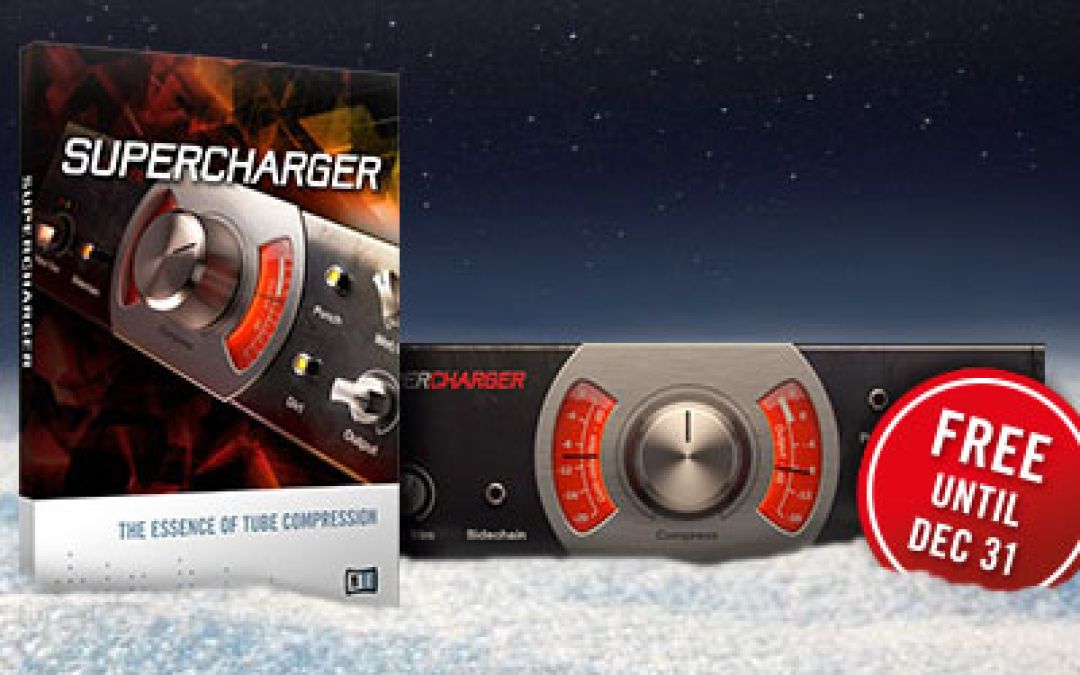
More offers from Native Instruments - this time a free compressor, some remix sets and an e-voucher. All you need to do is use this link before 31st December 2013 to grab the freebies, and enter CPKM4DEDA into the code to redeem the $25...
by djnarrative | 12 Jan, 2013 | Reckorder Tutorials, The Reckorder Project
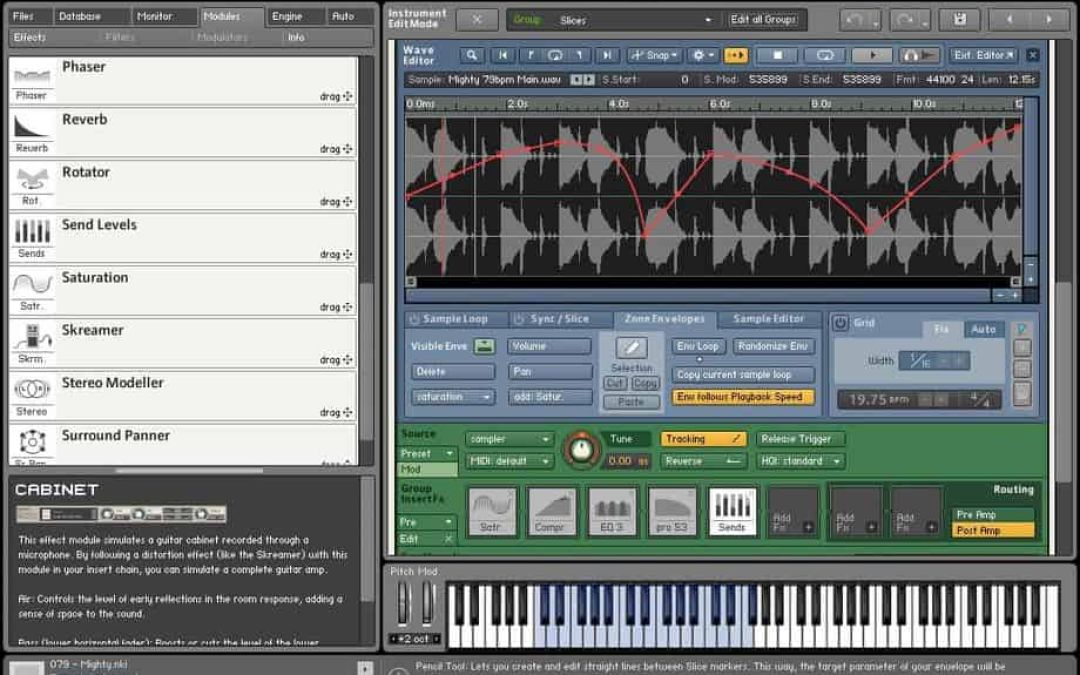
One of the vsts that house other instruments is Kontakt. Its a powerful sample player, and i decide it would be good to learn about all the depth it has to offer, with a couple of courses under a new offer from Mac Pro video. The first was a basic course which gave an overview to many of the functions that id previously not used. Heres my notes Overview To Save into your own folder. Go to - Browser - Options - Directory - Add. The folder will then show up in your browserm where you can save as. Suggested folders are Bass, Leads, Pads, Effects, Bass Patch Oscillators Osc 1 & 2 Sqw Swl - Spectrum and set amp to full Lower Pitch - o.9 to give a natural chorus effect and thicken up the sound Osc 3 Drive By - Spectrum and set amp to half Raise pitch to 24 to add high harmonics & set wavetable position to middle Enable ring mod and wave table position on oscillator modulation & set to half Dynamic Filters Lo Pass 2 - Add a little resonance and open the filter (Cut Off) fully. Want to hear just filter one so put in series mode (or have set to mix 1) Move filter cut off to add movement on e.g the higher notes. Then assigned envelope 1 to the cut off and found that moving the attack decay and release dials really changes the timbre of the sound. Easy to get a soft subby bass or a growling saw tooth bass by moving the decay. You can focus on affecting...
by djnarrative | 9 Jan, 2013 | Reckorder Tutorials, The Reckorder Project
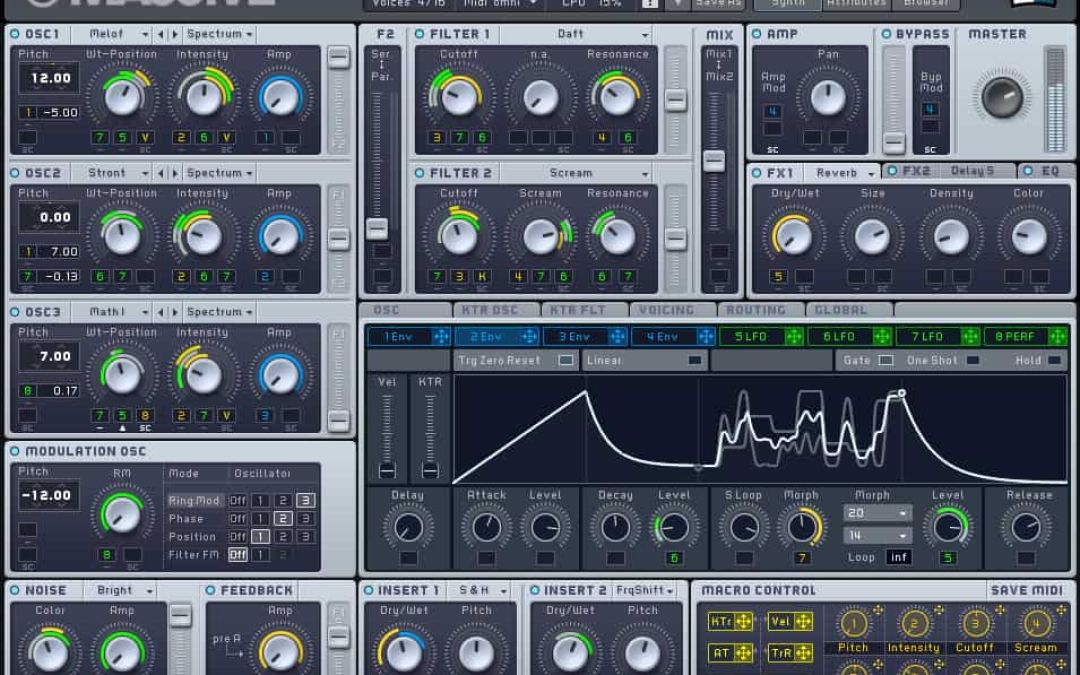
One of the first courses i picked was Massive. I recently bought it under the NI 50% off offer, and while there is a great free course online, it was really cheap and i figured would be pretty comprehensive. It was pretty good and well worth the 7 quid or so, but not as comprehensive as the other one id bought. Nevertheless it gave me a great overview of massive and also synthesis in general. Here are my notes that i made. Overview It's Flexibility is what sets it apart 3 Oscillators which can be anything : Virtual Analogue, Wavetables, Analogue/Electric, Digital/Hybrid, FX/Chords. Modulation Oscillators, Noise Generator & Feedback Generator 2 Multi mode filters Amp Master section Browser & Preset Library. Huge amount of Modulation possibility. 4 envelopes, 3 Lfos, 2 filters, complex voicing & routing options, and 4 effects units. Can create any type of sound - Bass, Pads, Effects & Leads Oscillators Oscillators 1 -3 - Select 3 different wavetables to produce the sound, Pitch use the arrows to change List of Waveforms that oscillators can create - Controls change dependant on what you pick in the waveforms menu. Virtual Analogue - Pulse Saw with Modulation or Pulse Saw With Sync Rest are Wavetable menus =- tables of different waves. - Wave table position can sweep through different sounds. Modulation Oscillator enables you to modulate the oscillators and further shape the sound. You can add ring modulation, phase, wavetable position and filter fm. Pitch makes a big difference to the sound of these and maybe one to automate. Filter needs to be on to hear the filter...
by djnarrative | 29 Dec, 2012 | The Reckorder Project
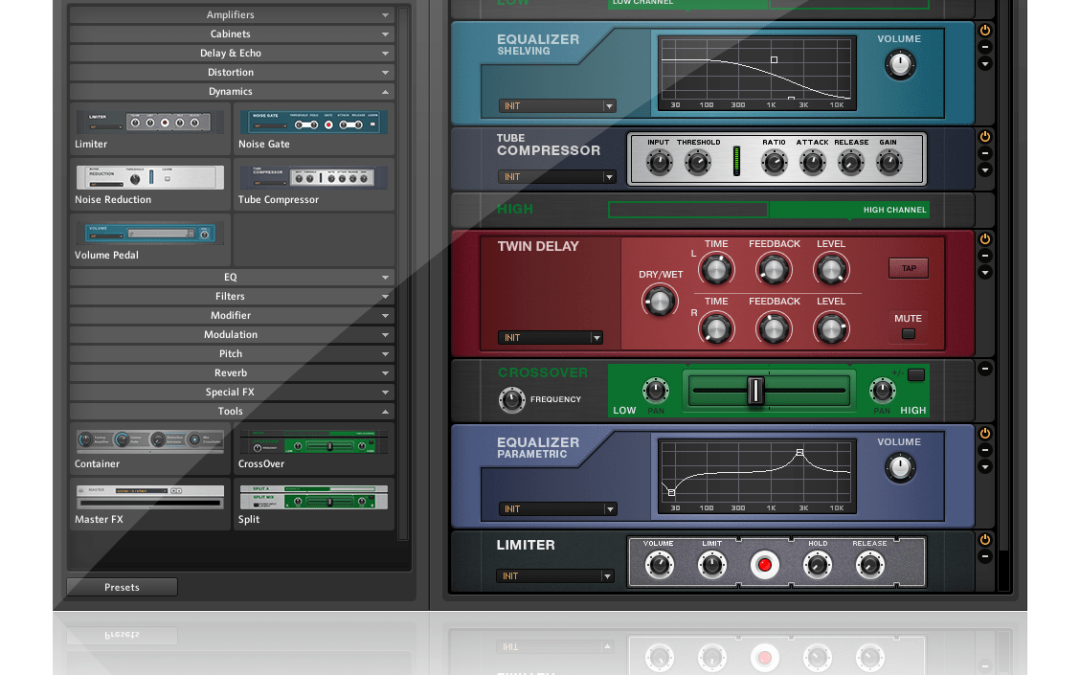
The other Native Instruments plugin i bought in the half price sale was Guitar Rig. I used it before and it really impressed with its sound and amp modelling. I've hardly used it aside from a quick flick through the presets, but I wanted to try out the audio feature of this site so recorded a very quick line with the first effect i liked, and added a rock style break, and an auto filter and exported. I recorded this before xmas, in one take, playing on single strings on a pretty cheap electric guitar, with an ozone over the top on export. Not an idea im going to run with so just for the purposes of trying, but really impressed with the sound & theres so much depth to it i think its going to lend plenty of potential for guitar and non guitar stuff in the...
by djnarrative | 23 Dec, 2012 | Reckorder Tutorials, The Reckorder Project
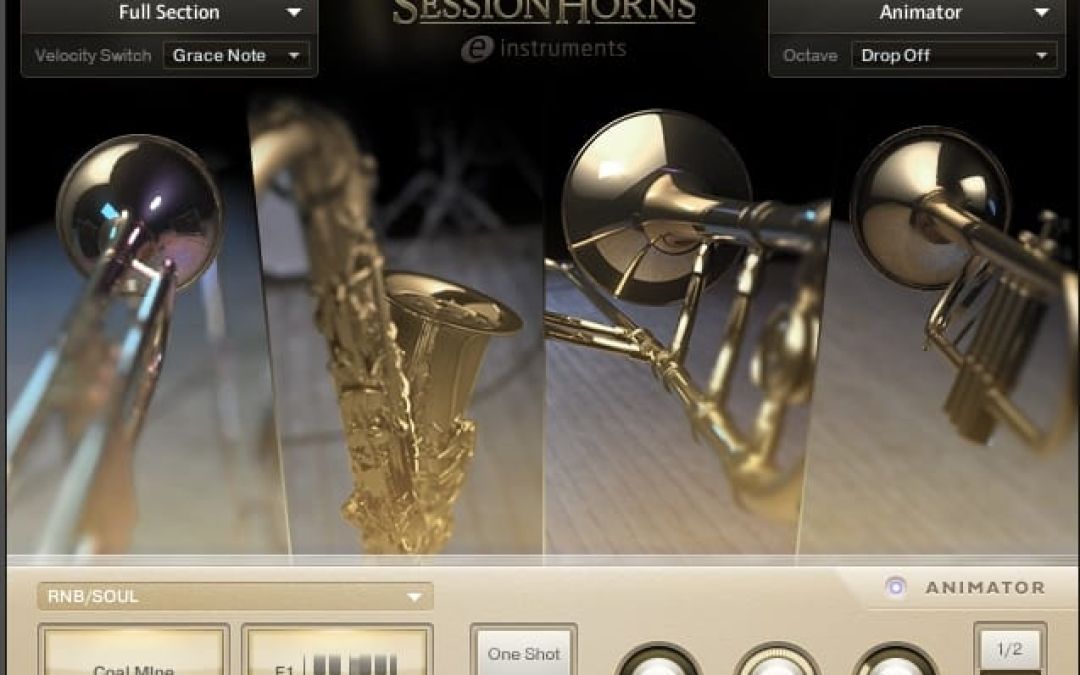
I've always loved the sound of brass instruments in music, but never really found decent recreations of it. Recently Native Instruments put out a half price sale and i'd been saving for ages to pick up a few things for the setup, so bought their session horns vsti, and am pretty pleased with it. o/ Obviously nothing beats the real thing, but for the price, this gets nicely close, and has a great set of articulations, which are always the make or break for a live instrument recreation plugin. The demos on the site are not too hot tbh, but Mac Pro video have put together this tutorial which demonstrates and breaks down the plugin in their renowned clear and concise way. As said previously, i learn best by watching a tutorial and writing notes which i can then refer to, and then putting into practice what ive learnt. I think whatever style of learner we are. Read, Write, Kinesthetic, Audible, etc, multiple inputs have their effects. To house the notes, I'm using Thinking Rock, as it allows me to create an action for the topic and then notes for the details. These actions can be kept in Projects and the Project Files can be shared easily. I did use Thinking Rock for my to do list / G.t.d system, but ive found Doit.im to be more preferable alternative. Nevertheless i think it might be a way of sharing notes & best practices with others as Thinking Rock is a platform Gtd app which has free and paid versions. I'm not sure if sharing these notes will be useful as...
