by djnarrative | 12 Jan, 2013 | Reckorder Tutorials, The Reckorder Project
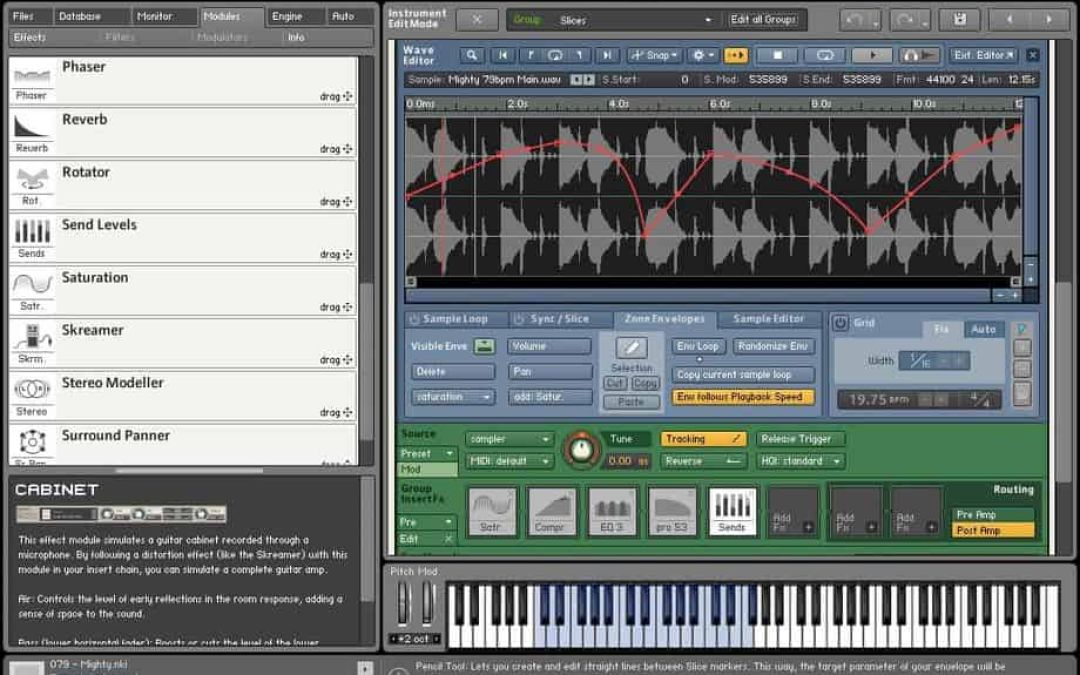
One of the vsts that house other instruments is Kontakt. Its a powerful sample player, and i decide it would be good to learn about all the depth it has to offer, with a couple of courses under a new offer from Mac Pro video. The first was a basic course which gave an overview to many of the functions that id previously not used. Heres my notes Overview To Save into your own folder. Go to - Browser - Options - Directory - Add. The folder will then show up in your browserm where you can save as. Suggested folders are Bass, Leads, Pads, Effects, Bass Patch Oscillators Osc 1 & 2 Sqw Swl - Spectrum and set amp to full Lower Pitch - o.9 to give a natural chorus effect and thicken up the sound Osc 3 Drive By - Spectrum and set amp to half Raise pitch to 24 to add high harmonics & set wavetable position to middle Enable ring mod and wave table position on oscillator modulation & set to half Dynamic Filters Lo Pass 2 - Add a little resonance and open the filter (Cut Off) fully. Want to hear just filter one so put in series mode (or have set to mix 1) Move filter cut off to add movement on e.g the higher notes. Then assigned envelope 1 to the cut off and found that moving the attack decay and release dials really changes the timbre of the sound. Easy to get a soft subby bass or a growling saw tooth bass by moving the decay. You can focus on affecting...
