by djnarrative | 1 Mar, 2015 | Reckorder Tutorials
Short and sweet little tutorials from Izotope which i thought id post up in one post as they contain a few cool titbits for new users of the software And a more in depth tutorial series from...

by djnarrative | 25 Mar, 2013 | The Reckorder Project
A little over my alloted time for this third practice track, but I wanted to go through the process of mixing and diy mastering to see if i could improve. As expected ive made a load of mistakes and learnt a lot, so i'll attempt to note them down below for future ref. So after the first upload of the track, i wanted to get some dynamic sounds in there, and give the track more movement. I originally had the risers, one shots, and drops as 128s, but i found that it was counter intutive to play them with a pad kontrol, despite what my left brain was telling me. I got much better results by previewing them in the browser and laying them out as normal audio tracks as i needed control over the lengths and warping, and it made it easier to see them in audio for me. The other part of the dynamics was glitchy edits, and again i went through a process of trial and error before finding a way that worked. It needs tweaking as it ended up taking too long for my liking, as using stutter edit is a little counter intutive for me as im more used to editing in audio. As a result i was finding that i was avoiding the stutter edits as it seemed too random, so i started off by making my own banks of presets of stutter edits as starting points. Next i decided to resample each track after it had gone through stutter edit, and then edit the results in audio. I did this by dropping...
by djnarrative | 1 Feb, 2013 | Reckorder Tutorials, The Reckorder Project
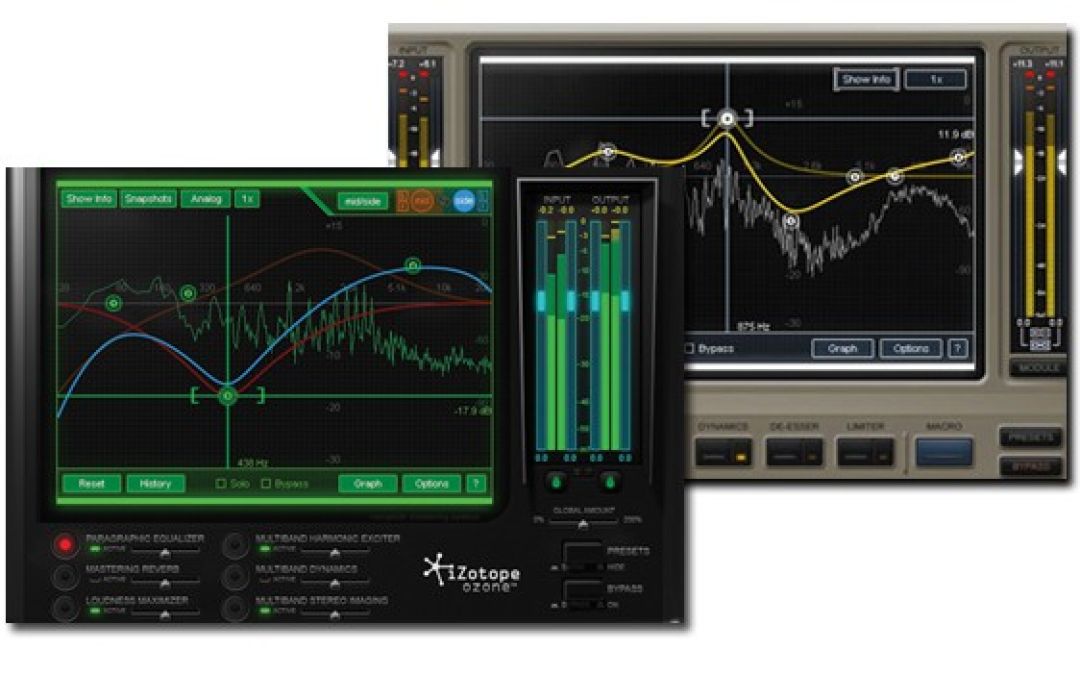
So these first couple of tracks were turning ok pretty cool for a learning stage, giving me lots of room to try out the new studio additions, but i was running up to the 20 hour deadline, so i decided to move into the mixing and mastering process to see what results i could get and start getting to grips with the ozone mixing and mastering bundle. I used a trial copy of earlier versions of alloy and ozone a year or two ago, and have always been impressed by the results, but never really got under the hood, so decided to take some time and learn a few tutorials. I'm writing this in retrospect but i'll try and remember the process. First up was Alloy and there was a few useful tutorials on their own site and this review from airuser who i c Next up i found this one, which used alloy to clean up some drums And this one which shares a cool tip on using the sidechain for creative effect, although i didnt delve too far into the side chain function when i used it. After watching these i felt i had a pretty decent understanding and started to have a go myself with my tracks. I probably spent a day or 2 on each one, but the process was roughly the same. First i'd zero all the faders and balance the levels as best as i could. Then i exported all the stems as the processor was maxxing out, and add an alloy to each one. I found i need to rebalance all the...
