
by djnarrative | 16 May, 2015 | Reckorder Tutorials
Here be 7 useful tutorials from the music software training website >
by djnarrative | 14 Apr, 2015 | Reckorder Tutorials
Some quality advice here from another fine resound blog where he asks metalheadz artists to share a useful music making tip. And some useful ableton tutorials some of which you may have seen before and some you may not....
by djnarrative | 22 Mar, 2015 | Reckorder Tutorials
A couple of nice tips here from Pyramind music school who share 7 useful shortcuts and a tutorial on how to make a riser maker (with free...

by djnarrative | 14 Mar, 2015 | Reckorder Tutorials
oads of really useful tutorials here from Point Blank Music School. Over 200 in fact on this playlist
Here is one of a 9 part series on Ableton which shares some useful tips on side chain compression
by djnarrative | 29 Jan, 2015 | Reckorder Tutorials
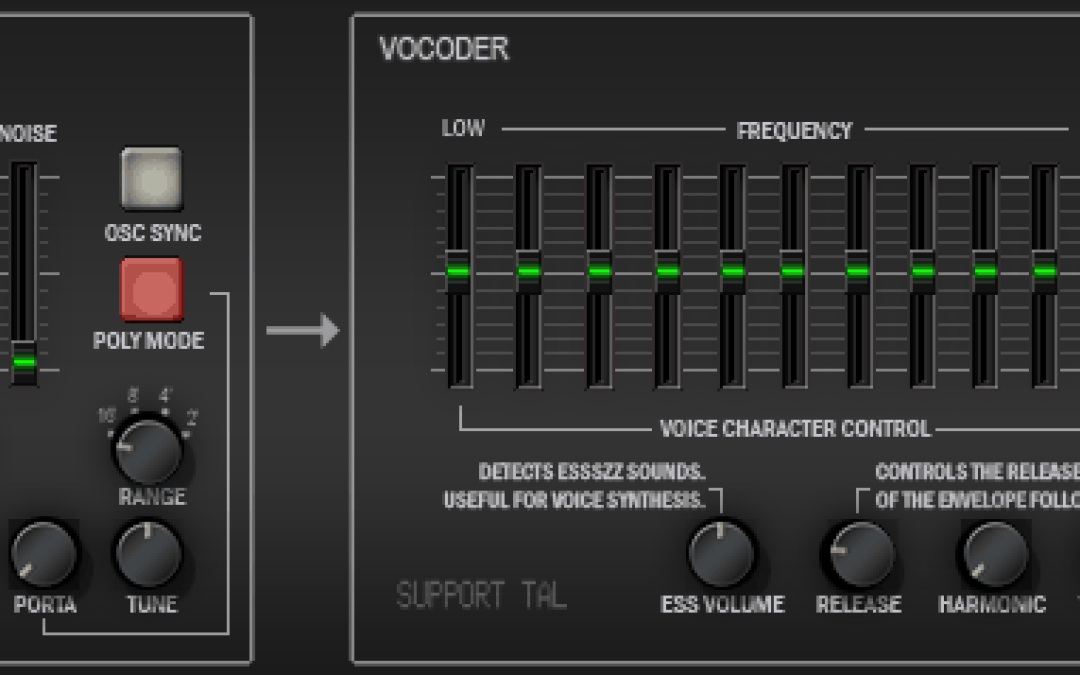
Ableton's vocoder is pretty solid and very useful for a whole host of applications as you can see in the video below, but i wanted to drop a quick post on the vocoder from TAL which is a vintage vocoder emulation with 11 bands and available for free on their website. It's slightly different to setup than other plug ins so here is a quick video tutorial. One of the fun things about vocoders is they can be great for bringing a bass to life and here is a nice little tip for fans of the neuro bass sound using abletons built in...
by djnarrative | 24 Jan, 2015 | Reckorder Tutorials
A real nice tutorial from Myagi from Warp Academy enabling freedom to record and use your own voice in your productions...

by djnarrative | 26 Dec, 2014 | Reckorder Tutorials
Merry Xmas folks. Hope you are enjoying this festive time. Here is a great selection of tips to improve your workflow in Ableton Live here from talented producer AK - who produces quality content regular so definitely worth following via his facebook page. Table of Contents 1. Use unlinked clip envelopes for sound design 0:20 2. Place 3 identical LFOs in one rack for a quick mod source; slightly offset them 1:42 3. chop before duplicating 2:33 4. deactivate all resampled channels; bring in clips to write sequences 3:50 5. default audio track on 'resampling' 5:10 6. instrument racks + chain selector for morphing synths 5:40 7. sidechain as external input for envelope follower 6:57 8. OS level macros for repetitive keyboard presses 9:35 9. playback scrubber with a muted clip to find cool parts of a clip 10:52 10. warping with the BPM slider 13:13 11. perfect high/low split (using phase cancelation) 14:16 12. empty midi track for project organization 16:42 13. audio buffer rate and CPU resources (and you!) 17:37 14. cleaning up session clips to free resources 18:16 15. using folders named '--------' as dividers 18:43 16. audio follow is cool 19:06 17. recording against a loop forever 19:41 18. using a muted chopping block track that you can solo to find parts 20:53 19. duplicating effects in a row 22:18 20. slice to midi + randomizer + short midi clips + skrillex (or whatever) 23:23 Video 2 Table of Contents 1. Using automation AND modulation, together: 0:21 2. Using silent clips in a follow action block: 3:00 3. Record follow actions while changing timing intervals: 4:20 4. Default Templates... for days: 5:15 5. Random melody generator: 6:16 6. Looped playback scrubber for resampling: 9:07 7. Using Symbols in tracks names: 10:25 8. Muting things with...

by djnarrative | 20 Dec, 2014 | Reckorder Tutorials
Saw this pretty interesting thing where a Harry Rodrigues and Nick Hook went and recorded some sounds and bought them back to use in Ableton. The sample pack is free to download too. My favourite version of people travelling and recording music is by Jamie Catto and Duncan Bridgeman aka One Giant Leap - who produced the beautiful film What about me. There was a series shown on channel 4 that i saw which is more the behind the scenes but i cant find it at the mo, but here is the finished product, which is available to buy on their...

by djnarrative | 5 Dec, 2014 | Reckorder Tutorials
Havent had chance to check this out yet, but here is a 4 and a half hour webinar from Warp Academy on Vocal Processing, Rack Building and DJing with...

by djnarrative | 30 Nov, 2014 | Reckorder Tutorials
Soo many black friday deals going around today - Here's a few of them in no particular order and for no particular reason. 20% off K-Devices Herse & Autobeat - http://k-devices.com/2014/11/promo-time-at-ableton-and-updated-k-devices-packs/ 40% off bass gorilla passes - http://bassgorilla.com/all-areas-backstage-pass/ 50% off Native Instruments Instruments - http://www.native-instruments.com/en/products/product-finder/?utm_medium=email&utm_campaign=Thanksgiving%202014%20Reminder&utm_source=newsletter 75% off Sample Surgeons sample libraries...
by djnarrative | 27 Nov, 2014 | Reckorder Tutorials
Havent had chance to watch this yet, but here is a 3 hour warp academy webinar sharing some info on setting up a studio and...
by djnarrative | 19 Oct, 2014 | Reckorder Tutorials
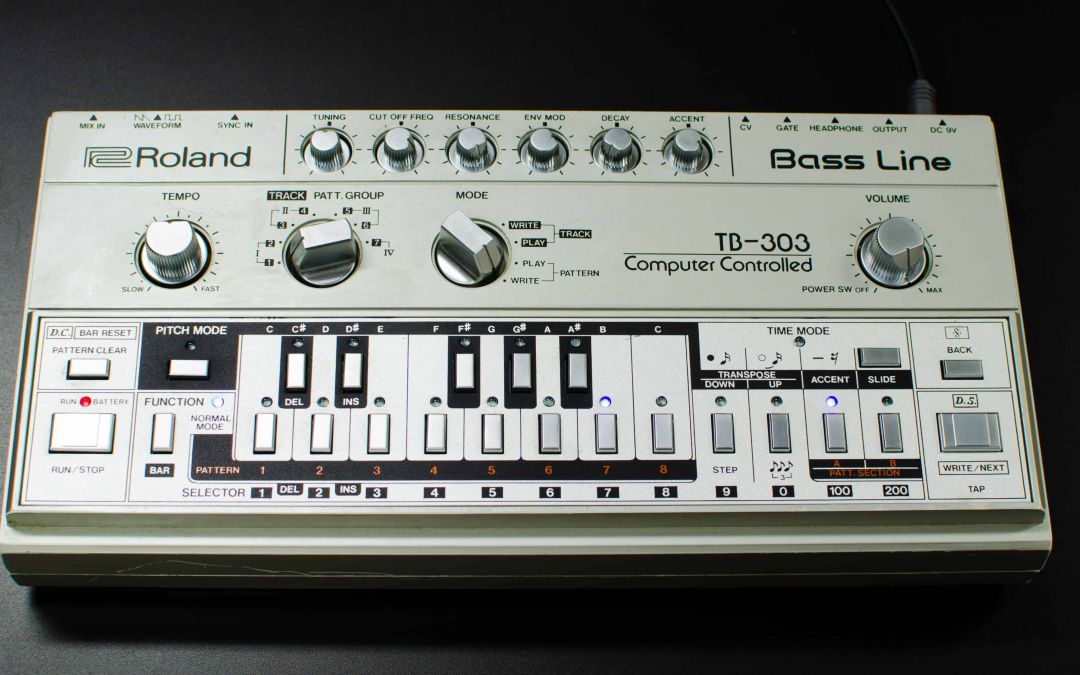
Cool tutorial on how to make a classic roland tb-303 sound in Ableton from Point Blank Music...

by djnarrative | 19 Jul, 2014 | Reckorder Tutorials
Stumbled upon this huge list of ableton racks shared from ableton user community recently! Well worth...
by djnarrative | 30 Jun, 2014 | Reckorder Tutorials
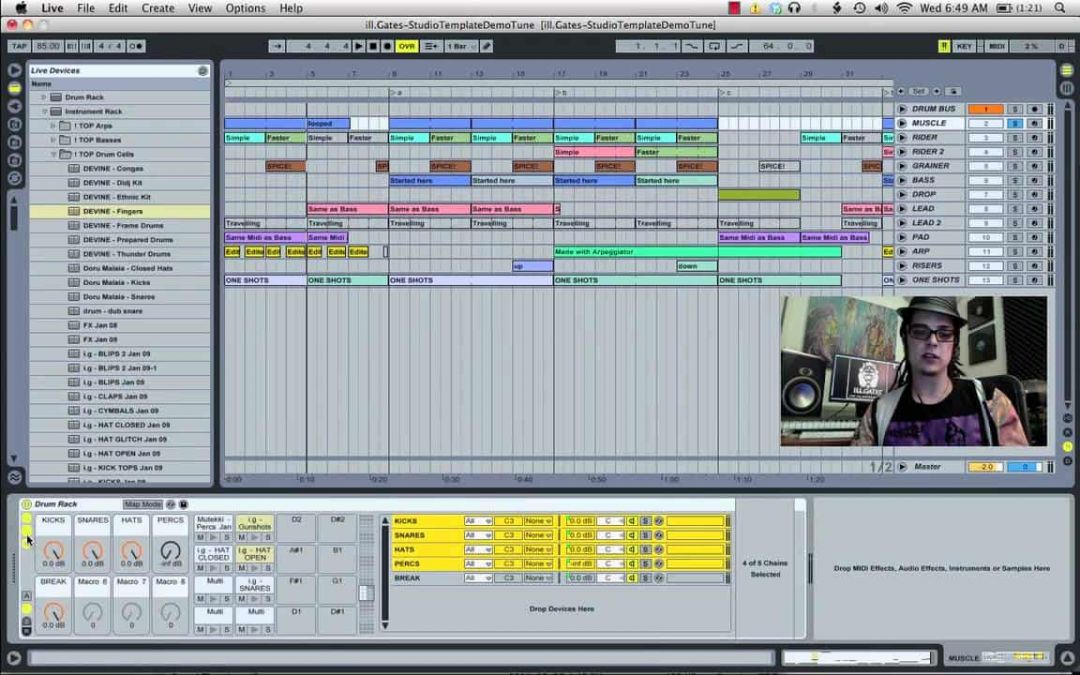
Mentioned this a few times on here on the topic of using 128's but there's a couple of videos from other sources which give their own take on things so thought it was worth a repost as it's a highly useful studio tool. Here's the original one i saw from Ill Gates Here's one from music software training And one from...
by djnarrative | 24 Jun, 2014 | Reckorder Tutorials
Haven't posted anything by the excellent Tom Cosm on here for a while so here are 10 more tips for ableton users Ableton Live Quick Tips 3 from Tom...
by djnarrative | 5 Apr, 2014 | Reckorder Tutorials
This has been really useful to me a couple of times so i thought id post it up here for ease of finding and in case anyone else is looking for the quick answer. To get the Pad Kontrol to play the Drum Racks on Scene 1 - Factory reset (if scene 1 has been configured since) and In Preference > Midi Sync tab choose "PadKontrol" as the control surface. Then for input port choose port 2. "Midi in 2 (PadKONTROL)". and Midi 1 for the output Under midi ports turn track "On" for port 2: "PadKONTROL Input ("Midi in 2 (PadKONTROL). More info on this ableton...

by djnarrative | 19 Mar, 2014 | Reckorder Tutorials
An excellent selection of Ableton insider tips from Madeleine of Sonic Bloom which reveals how to enable useful Ableton functionality with a simple text file. Part 1 - Shows how to show the devices slots meaning you can see all your devices without having to hop on each track Part 2 - Shows how to save time by Enabling the Map To Siblings and Auto Adjust Macro Mapping Range commands Part 3 - Shows how to display all the midi mappable parameters when loading a vst plugin (my personal favourite) Part 4 - Shows how automation curves can be set to display much few points which is great when recording automation Part 5 - Shows how to turn off Automatic arming of tracks Part 6 - Shows two handy commands for rewiring. And Part 7 - Shows how to turn on Automatic...
by djnarrative | 27 Feb, 2014 | Reckorder Tutorials
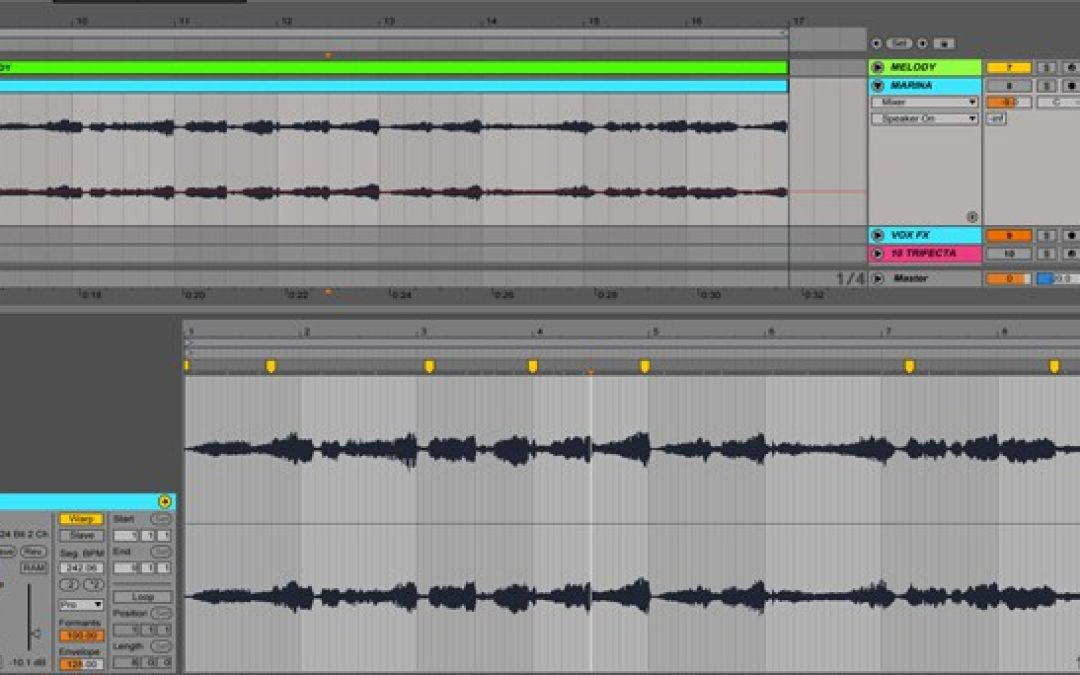
I did a load of editing on a piece of audio recently and wanted a quick way of creating separate audio files of each section without having to do each one in turn and found this cool tip from Pepezabala on the Ableton forum, who shared - Drag all your clips from arrange to session view, select all, then hit tab, drop them on an audio channel, right click and select freeze. The resulting audio files will then be found in the project folder/samples/processed. Simple really!...

by djnarrative | 6 Feb, 2014 | Reckorder Tutorials
Nice little video from The Dj Podcast sharing some useful keyboard shortcuts to help speed up your workflow >
by djnarrative | 24 Jan, 2014 | Reckorder Tutorials
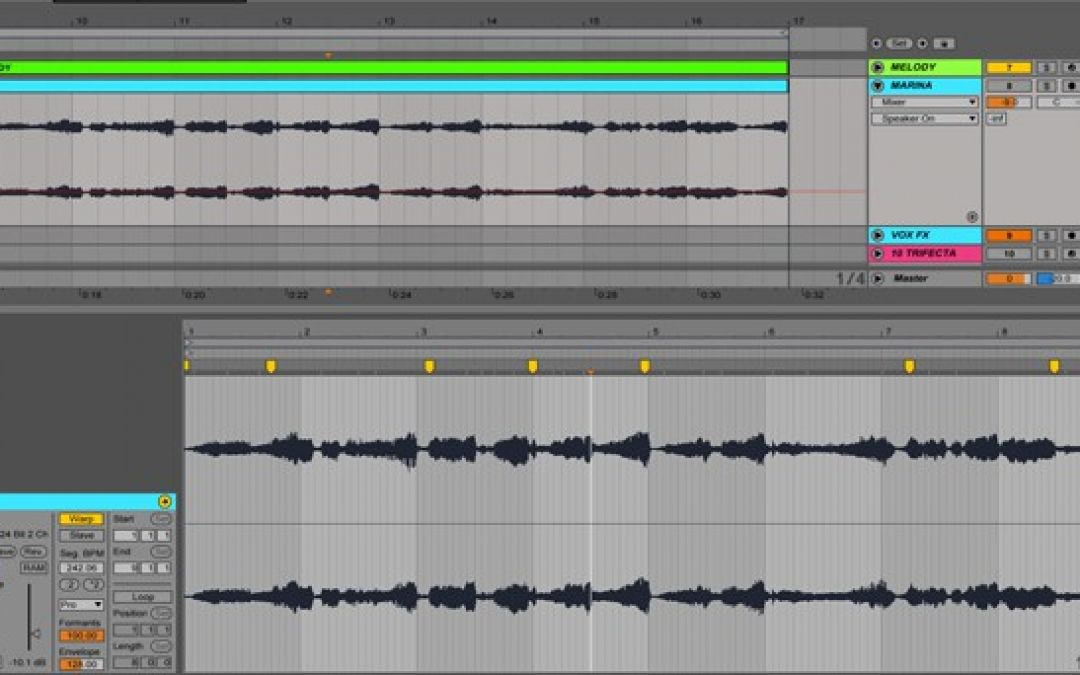
Ive checked out the new breaktweaker recently and while its very impressive im not sure if its something that fits in with my own workflow. However using the demo, and the new Ill Gates expanded workflow course, has got me back onto doing the micro edits manually, and one of the dons of audio editing is Mr Bill. You can check out any of his videos on his youtube channel to witness his speedy workflow, but this video below is a great little example of how he does it. I'm practicing my own editing skills and i like to incorporate stutter edit too, but even at my level, keyboard shortcuts are a must, and here are 7 useful ableton shortcuts from Pyramind's Scott Gilmore. I'll post any more that i find, and please do let me know if you have any tips or shortcuts that are useful for micro editing, as it can get very time consuming...
